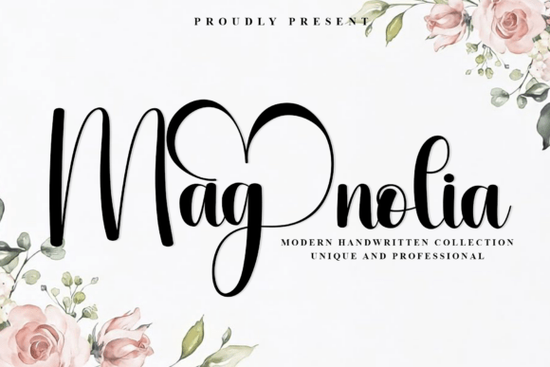
Finding the right typography for a project often comes down to the feeling you want to convey. If you are aiming for something personal yet polished, script options often hit the mark. The Magnolia Font stands out because it balances flow with readability. It is not just about pretty letters; it is about creating a signature style that sticks with your audience. This typeface offers smooth curves and graceful strokes that feel naturally luxurious without being hard to read.
What makes this script feel authentic?
Many handwritten fonts look too perfect or robotic. The appeal here lies in the variation of stroke width and the organic connection between letters. The elongated strokes give it a sophisticated look, similar to a real pen moving across paper. When you use this in a design, it adds a human touch that standard sans-serif fonts cannot match. It works well because it mimics natural handwriting patterns, making brands feel more approachable.
Designers often look for this specific balance when working on identity projects. You want something unique that does not sacrifice legibility. The generous curves allow the letters to breathe, which is crucial when scaling the text down for smaller items like business cards or up for large signage.
Which projects benefit most from this style?
This typeface shines in contexts where elegance is key. It is a strong choice for luxury wedding stationery, where the invitation sets the tone for the event. Photography watermarks also benefit from this style because it overlays images without overpowering them. Personal branding is another major use case. If you are a coach, consultant, or creative seller, a signature script helps build recognition.
For those who want to see the official listing or explore variations, you can check the Magnolia Font search page. It is important to verify the license terms for your specific use, especially if you are creating items for sale. Most professional fonts allow commercial use, but checking the specific agreement ensures you stay compliant.
How does it compare to other scripts?
Not every project needs high elegance. Sometimes you need something more playful or specific. If you are working on a design that requires a lighter touch, you might explore playful options like Happy Sticks. For naming projects or softer themes, something like Babyboy could fit the brief better. It is about matching the font personality to the message.
Seasonal themes also dictate choice. A fall collection might pair well with seasonal themes with September. If you prefer flowing styles that feel similar but distinct, looking at flowing styles like Kari Sea provides good alternatives. Of course, if you decide this is the right fit, you can always visit the Magnolia collection page to download the files directly. Having a few options in your library helps you adapt to different client needs quickly.
How do you pair it with other fonts?
Script fonts rarely work alone in a full layout. They need a partner to handle body text or secondary information. A clean sans-serif is usually the best match. Look for something neutral that does not compete for attention. The contrast between a flowing script and a structured sans-serif creates visual hierarchy.
Avoid pairing it with another script or a highly decorative serif. Too many details make the design look cluttered. Keep the secondary font simple and readable. This ensures the main headline gets the focus it deserves. Testing different weights, like light or regular, helps find the right balance for your specific composition.
What should you check before installing?
Before you start designing, ensure you have the right file formats. Most modern software supports OTF and TTF files, but checking compatibility saves time later. Also, review the licensing agreement carefully. Some licenses restrict the number of prints or require an upgrade for large-scale commercial use.
Installation is usually straightforward. On Windows, you can right-click the file and select install. Mac users can double-click the file and use the Font Book. Once installed, restart your design software to see the new typeface in the list. Keeping your font library organized helps you find the right tool when deadlines approach.
Quick Checklist for Using Script Fonts
- Check Legibility: Ensure the text is readable at small sizes.
- Verify License: Confirm commercial rights for your specific product.
- Pair Wisely: Use a simple sans-serif for body text.
- Test Contrast: Make sure the font stands out against the background.
- Organize Files: Keep original downloads in a backup folder.
Taking these steps ensures your design process stays smooth. The right font adds value to your work, but only if it is used correctly. Start with a small test project to see how the letters connect and flow in your specific software environment.
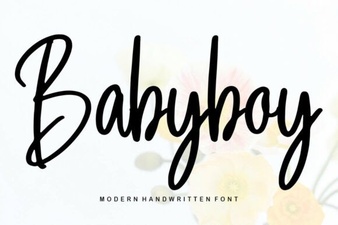 Babyboy Font Designs for Creative Projects
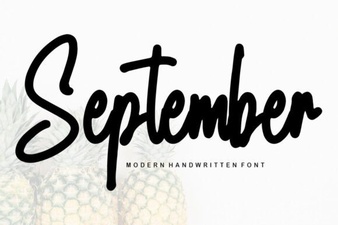 Best September Fonts for Your Autumn Projects
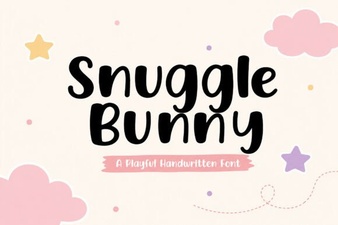 Snuggle Bunny Font: Creative Design & Usage Ideas
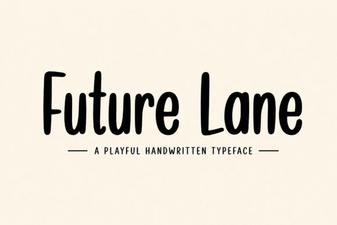 Future Lane Font: Design Guide & Creative Uses
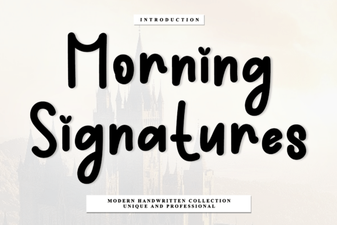 Morning Signatures: Elegant Fonts for Creative Projects
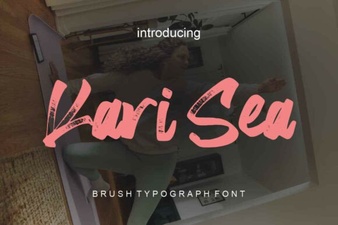 Kari Sea Font: Unique Design for Creative Projects